- Home
- No Asteroids
- Co-op guide
No Asteroids game co-op guide: running a crew of up to eight
The No Asteroids game supports online co-op for up to 8 players. The rules are simple but unforgiving: one wallet, one host save, and a lander that leaves whether you are on it or not. This guide covers how a co-op session works, what the host controls and how to fix the bugs players have reported.
- Players
- Up to 8
- Type
- Online co-op
- Money
- One shared wallet
- Save
- Host's campaign
- In the demo
- Since Nov 13
Checked November 19, 2026 against the Steam store page and the developer's site
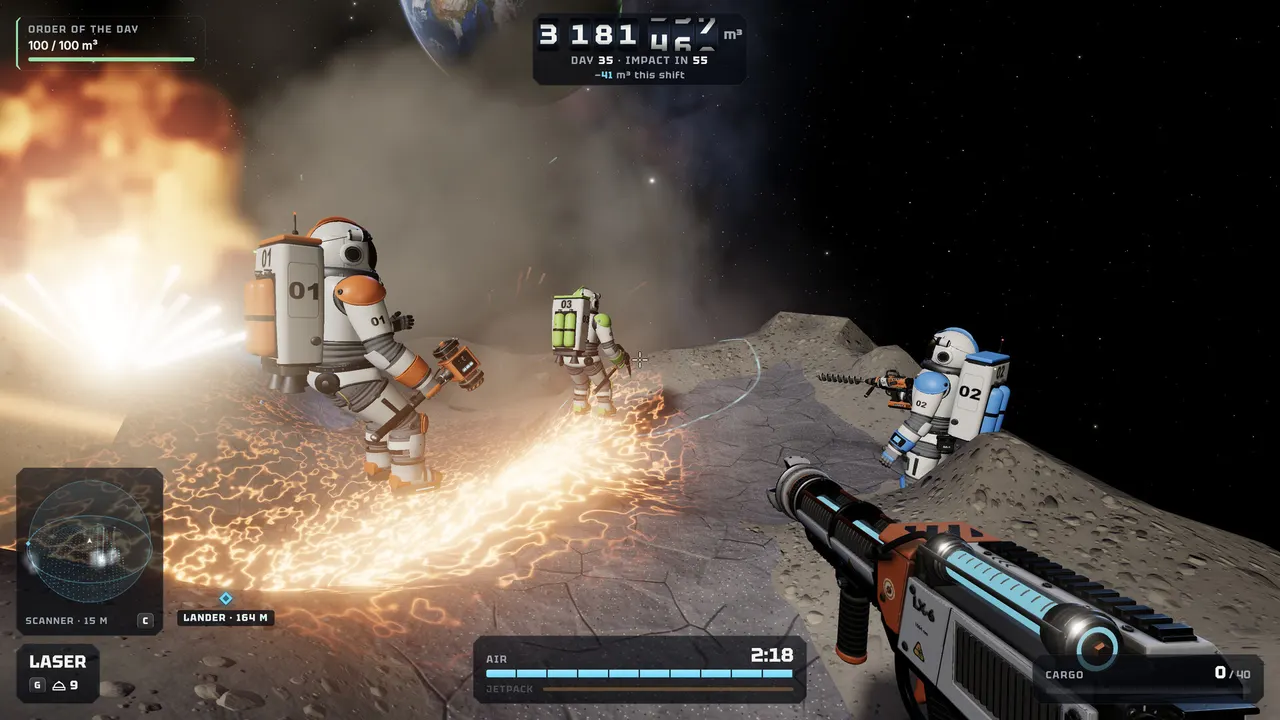
How No Asteroids co-op works
No Asteroids co-op is online only. One player hosts, up to seven others join, and everyone works the same asteroid against the same 90-day clock. The Steam store page spells out the rules that make it different from solo play:
| Rule | What it means for your group |
|---|---|
| One wallet | All ore money goes into a single pot. |
| Host controls spending | The host decides who is allowed to spend from that wallet. |
| Lander countdown | Anyone inside the lander can start a 10-second launch count. |
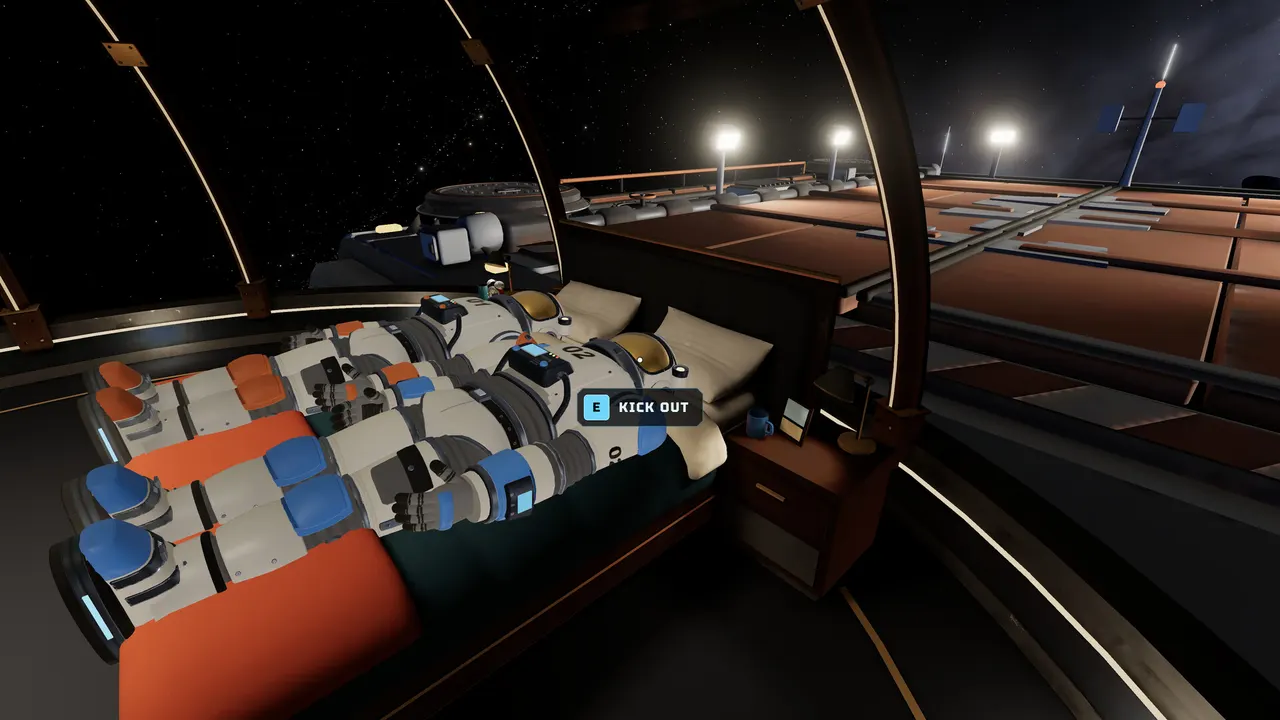
| Hatch | Anyone inside can also kick a friend out of the hatch. |
| Missing the lander | If you are not aboard when it leaves, you black out and lose your cargo. |
| Saves | The campaign is the host's save; guests keep their own game. |
Online co-op needs an internet connection, which the minimum requirements list separately. The developer also published a dedicated co-op trailer, linked from unruledgames.com.
Before the first shift: decide who hosts
Because the campaign lives on the host's machine, pick the player who will be around for every session. Plan sessions around them; whether another player can take over an existing campaign is To be verified. The host should also decide up front who can spend. A shared wallet with eight people buying whatever they like empties fast, and the host is the only one who can lock it down.
The lander rule that ends friendships
The 10-second count is the tensest moment in a co-op shift. Anyone aboard can start it, and anyone not aboard when it finishes loses everything they were carrying. Agree on a call-out before you split up, keep an eye on your oxygen, and do not start the count while someone is still climbing back with a full bag. The hatch-kick option exists, so expect at least one friend to use it.
Own landers, shared money
A player asked in the Steam discussions on November 15 why everyone loads their own lander instead of sharing one storage. The developer replied that this is intentional so friends can compete on who collects more (Steam discussion). In practice that gives you two scoreboards: the shared wallet that buys tools and ship guns, and a friendly race over whose lander comes back fullest.
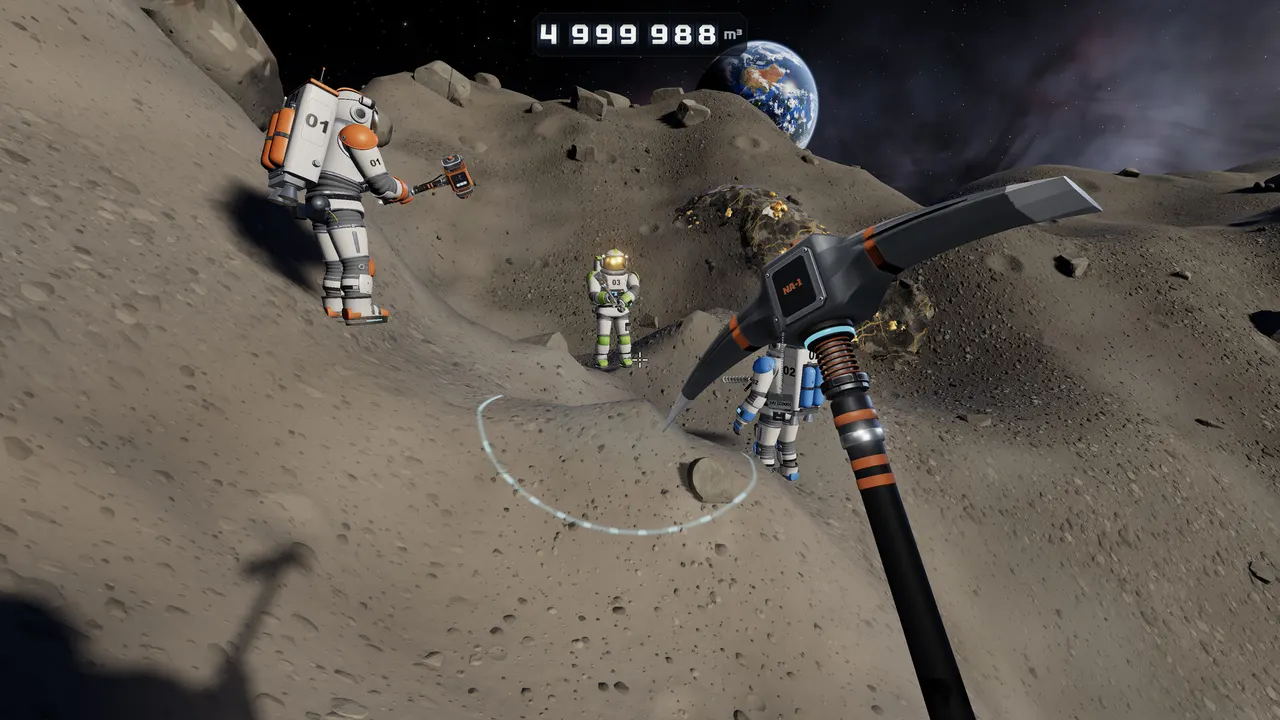
Splitting the work
Nothing in the official material assigns roles, but the rules suggest a natural split. One or two players can stay near the lander and handle the countdown, while the others dig the richest faces they can find. When the ship's guns come online, they shoot the asteroid on their own, so more players digging plus more guns firing is how a big crew pulls ahead of the counter. Use the dig calculator to check whether the crew is on pace.
Co-op bots
The demo's co-op mode includes bots. Early reports said they bunched together or stayed in the lander after the first day; the developer replied on November 18 that the lander issue was fixed (Steam discussion). The developer also explained that bots randomly pick either the best tool you have unlocked or the one before it, to keep things lively. How bots behave in the full release is To be verified.
Fixing co-op problems
Teammates invisible, cannot mine, progress not saving. A player described this desync on November 18. The official update on November 19 says the bug, which happened when hosting after another session ended, is fixed. Update the game before your next session.
A guest sees no co-op option. Co-op arrived in the demo on November 13, so restart Steam to make sure you have the latest build.
Controller players. Full controller support is listed on Steam, and keyboard players can now rebind keys, so mixed groups can each use their preferred input.
For the basics of the daily loop, read the No Asteroids beginner guide. If you want a calmer group session, the No Rush mode removes the 90-day limit; see the No Asteroids game overview for details.
Questions players ask
How many players can play No Asteroids co-op?
Up to 8 players in online co-op, according to the Steam store page and the developer's site. Local or split-screen co-op is not listed.
Do guests keep their progress in No Asteroids co-op?
The campaign is the host's save. The store page says guests keep their own game, meaning joining a friend does not overwrite your solo campaign. Whether guests earn anything for their own save is To be verified.
Is No Asteroids co-op cross-platform?
Steam tags the game with cross-platform multiplayer, and it ships on Windows and Apple Silicon Macs. Which combinations have been tested by the developer is To be verified.
Why can't my co-op host see me?
That was a known bug when hosting after another session ended: teammates could turn invisible, be unable to mine, and the new host's progress might not save. The official update on November 19, 2026 says it was fixed, so update the game first.
Does everyone share one lander in co-op?
No. A player asked this on November 15 and the developer replied that each player loads their own lander on purpose, so friends can compete on who collects more. The money still goes into one shared wallet.
Sources checked
- No Asteroids on Steam: co-op rules in About this game checked Nov 19, 2026
- unruledgames.com: players and co-op trailer checked Nov 19, 2026
- Official news: Keyboard Rebinding & Co-op Fixes Nov 19, 2026
- Steam discussion: Co-Op Bots (own lander per player) Nov 15–16, 2026
- Steam discussion: Co-Op Bots Staying in Lander or at Base Nov 18, 2026
- Steam discussion: Co-Op Host can't see me Nov 18–19, 2026
Unofficial fan site, not affiliated with Unruled Games or any other studio named here. Facts come from Steam store pages, official news posts and developer sites; anything they don't confirm is marked To be verified.