- Home
- No Asteroids
- System requirements
No Asteroids game system requirements for Windows PC and Mac
The No Asteroids game is a small download with modest specs: 1 GB of storage, 8 GB of RAM at minimum, and a DirectX 11 graphics card with 2 GB of video memory. Below are the full minimum and recommended specs from the Steam store page, plus the settings and fixes the developer has pointed players to.
- Storage
- 1 GB
- RAM (min / rec)
- 8 / 16 GB
- Windows
- 10 64-bit
- Mac
- M1 or newer
- Controller
- Full support
Checked November 19, 2026 against the Steam store page and the developer's site
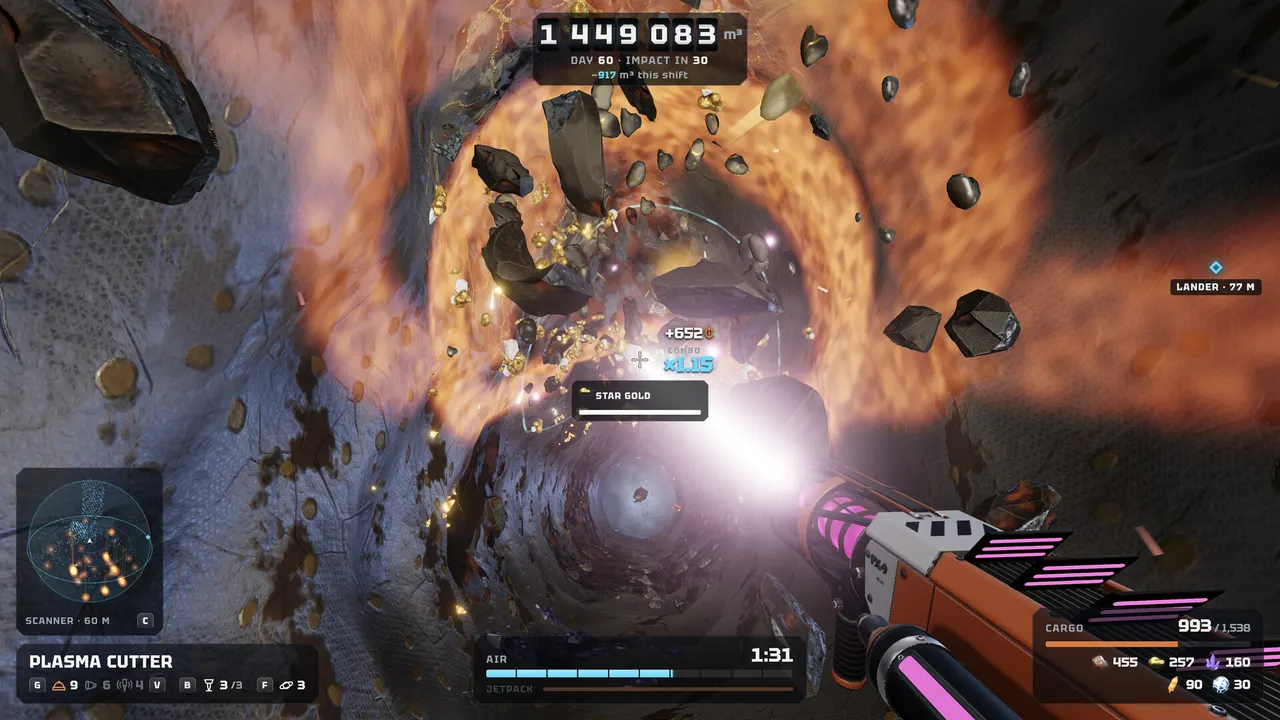
No Asteroids PC requirements (Windows)
These are the Windows specs as listed on the Steam store page. Windows is 64-bit only.
| Part | Minimum | Recommended |
|---|---|---|
| OS | Windows 10 64-bit | Windows 10 or 11 64-bit |
| CPU | Intel Core i5-7400 or AMD Ryzen 3 1200 (4 cores) | Intel Core i5-10400 or AMD Ryzen 5 3600 |
| RAM | 8 GB | 16 GB |
| GPU | DirectX 11 card with 2 GB VRAM: GeForce GTX 1050, Radeon RX 560 or Intel Iris Xe | GeForce GTX 1660 or Radeon RX 5600 XT, 4 GB VRAM |
| DirectX | Version 11 | Version 11 |
| Storage | 1 GB | 1 GB |
| Input | Mouse and keyboard or controller | Mouse and keyboard or controller |
| Network | Internet for online co-op | Internet for online co-op |
The minimum list names Intel Iris Xe, so recent thin-and-light laptops with integrated graphics are inside the official range. Frame rates on any specific card have not been published and are To be verified.
No Asteroids Mac requirements (Apple Silicon)
| Part | Minimum | Recommended |
|---|---|---|
| OS | macOS 12 Monterey | macOS 14 Sonoma or newer |
| Chip | Apple M1 | Apple M1 Pro, M2 or newer |
| RAM | 8 GB | 16 GB |
| Graphics | Apple M1 integrated GPU | Apple M1 Pro / M2 GPU or newer |
| Storage | 1 GB | 1 GB |
Intel Macs are not supported. One player on an M4 Mac wrote in the Steam discussions that the demo runs smoothly (Steam, Nov 13, 2026), and the developer replied that they play on a Mac too.
Steam Deck and Linux
There is no Linux build, and the store data checked here shows no Steam Deck compatibility rating. During the demo a player reported that a controller did not work under SteamOS; the developer pushed a fix on November 17 after finding a playtester with a Deck (Steam discussion). Whether the full game is officially Deck Verified is To be verified.
Controller and keyboard settings
Steam lists full controller support, including DualShock and DualSense. The November 12 news post explains the controller layout in the demo: the right trigger swings the pickaxe, and at the trade terminal you sell with the right stick. Gamepad settings cover stick sensitivity, invert Y and rumble.
Keyboard players asked for rebinding in a thread titled "Keybinds, please!". The November 19 update added keyboard rebinding to the settings menu, and on-screen prompts now follow your bindings.
Settings worth knowing
- Field of view. A slider was added on November 13 after a player said the camera felt too close. It goes up to 90.
- GPU selection. Laptops with two graphics chips can pick the GPU in the in-game settings, added after a report that the game used the onboard chip.
- Fullscreen. The graphics settings let you switch between fullscreen and windowed; Alt + Enter also toggles it.
If No Asteroids will not start
Error 0x11C7, "An application control policy has blocked this file". Windows 11 Smart App Control blocks the game because its executable is not yet digitally signed. The developer said on November 18 that they are waiting for a certificate for the studio and that turning Smart App Control off lets the game run in the meantime. Smart App Control is a security feature, so waiting for the signed build is the cautious option.
Process starts, nothing appears. End every No Asteroids process in Task Manager, add --no-steam-overlay to the launch options in Steam, then start again. The developer added automatic log capture on November 18 to help with these cases.
Before you buy, the free No Asteroids demo is the simplest way to test your machine. For launch timing and platform details, see the No Asteroids release date page.
Questions players ask
Can my PC run No Asteroids?
If you have Windows 10 64-bit, a 4-core CPU at the level of an Intel Core i5-7400 or AMD Ryzen 3 1200, 8 GB of RAM and a DirectX 11 GPU with 2 GB of VRAM such as a GTX 1050, RX 560 or Intel Iris Xe, you meet the minimum on the Steam page.
Does No Asteroids run on Intel Macs?
No. The Steam page says the Mac version is for Apple Silicon only, with an Apple M1 and macOS 12 Monterey as the minimum.
Does No Asteroids work on Steam Deck?
The store data checked for this page has no Steam Deck rating and the game has no Linux build, so Deck support is To be verified. The developer did fix a controller problem reported on SteamOS during the demo.
How big is the No Asteroids download?
The Steam page lists 1 GB of available storage for both the minimum and recommended specs on Windows and Mac.
Does No Asteroids need an internet connection?
Only for online co-op, according to the minimum requirements. Solo play is not listed as needing a connection beyond what Steam itself requires.
Sources checked
- No Asteroids on Steam: system requirements section checked Nov 19, 2026
- Official news: The No Asteroids demo now supports controllers Nov 12, 2026
- Official news: Keyboard Rebinding & Co-op Fixes Nov 19, 2026
- Steam discussion: Uses wrong GPU (in-game GPU switch) Nov 13, 2026
- Steam discussion: Field of View Slider Nov 13, 2026
- Steam discussion: Forced Windowed Mode? Nov 15–16, 2026
- Steam discussion: Controller support on SteamOS Nov 16–17, 2026
- Steam discussion: Game Fails To Start (0x11C7) Nov 18, 2026
Unofficial fan site, not affiliated with Unruled Games or any other studio named here. Facts come from Steam store pages, official news posts and developer sites; anything they don't confirm is marked To be verified.